1. Which tools do u need?
Fraps (Download here: Click)
2. Start and configure Fraps
Open Fraps and make sure you set it with the following settings:
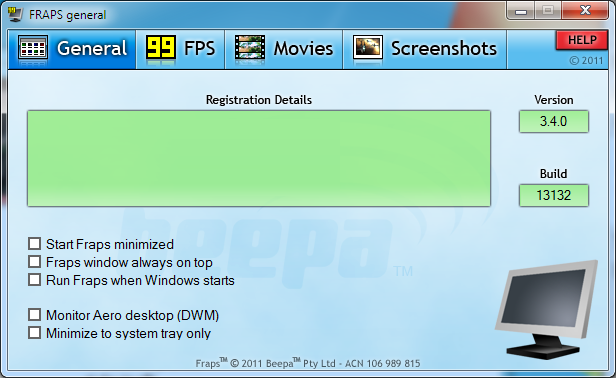
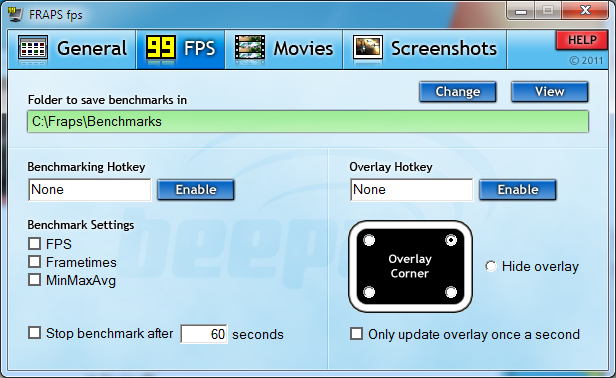


3.Keep Fraps loaded and start up SoF
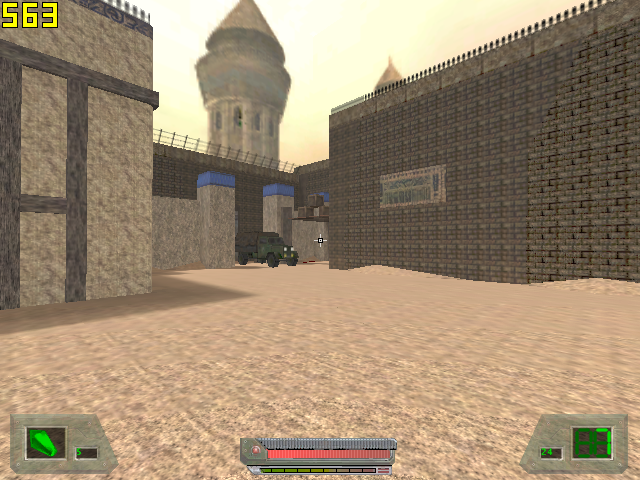
You will notice your FPS in yellow colour on the top-right of your screen, like this:
4. Record the video
- Press F12 to record your video (or the key you configured)
- The yellow FPS will change into red FPS and will be significantly lower than the yellow FPS.

WRITTEN BY: Persian